

Chat commands
Use built-in commands or write your own. Set permissions and cooldowns for each command.
Channel shoutout
!so followed by a channel nameRun your chat, style your stream, and bring your Discord server together. Commands, widgets, games, Cards, and community tools live in one place.
 Sign up with Twitch
 Sign up with Kick
 YouTube Link pending
 Twitch
 DiscordKickYouTube
 OBS Studio
 Spotify
 Streamlabs Desktop
 Lightstream
From simple timers to widgets your viewers can control through chat, RexBot has your stream covered.
Use built-in commands or write your own. Set permissions and cooldowns for each command.
!so followed by a channel nameSchedule recurring messages for links, reminders, or shoutouts.
Filter spam and unwanted links, set blocked terms, and review recent moderation actions.
Try a preset to restyle the whole set. Run widgets from chat with !win, !score, or !spin.
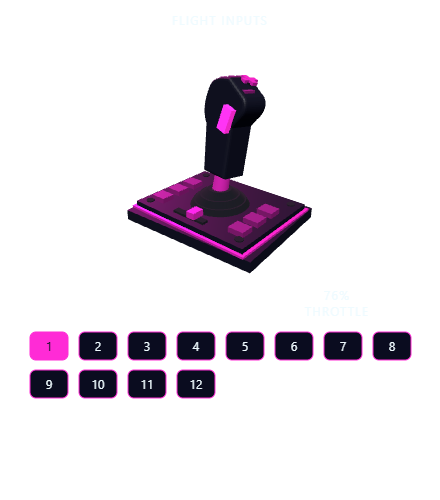
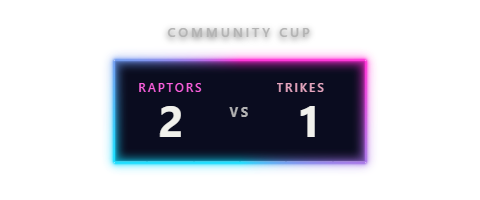
Three looks rotate above. Pick one to try it on every widget, or choose from 50+ more in the dashboard and make it yours.
Keep your overlays running, hear chat without looking away, and let viewers pick the music.
Runs inside OBSA dock in OBS that watches your Rex browser sources. If one goes quiet mid-stream, Guardian refreshes it for you, so a frozen alert or chat box never sits on screen.
Rex reads new messages out loud, so you can keep your eyes on the game.
Viewers request Spotify songs from chat, and a Now Playing widget shows the track on stream.
!sr followed by a song or Spotify linkTurn your channel art into collectible cards your viewers can open, collect, and trade.
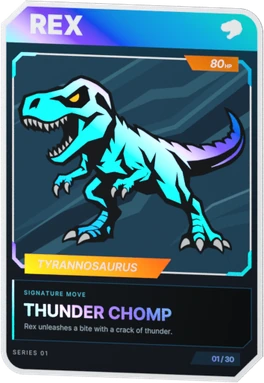
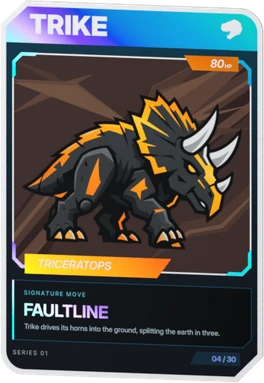
Once your chat is connected, launch a game from your browser. Viewers play right in chat.
 Rex Derby
 Clue Rush
 Higher or Lower
 Crowd Pixel
 Emoji Decoder
 Plinko Showdown
In Higher or Lower, chat votes “higher” or “lower.” In Clue Rush, viewers guess the answer as clues appear.
Give members a place to hang out and keep your community connected between streams.
Click into the lobby and Rex opens a voice room of your own. Rename it and choose how many people can join.
/play and see what’s next with /queue./speak to read a message aloud in voice.Run one giveaway across Twitch, Kick, YouTube, and Discord. Rex brings entries into one draw and updates the Discord post with the entry count and winners.
TwitchKickYouTubeDiscordEntries open · 24 entered
Pick a creator to see what they stream and find their Twitch channel.
 Live now
Flying around, having fun, and welcoming you to stay as long as you like.
Battlefield 6Visit channel ↗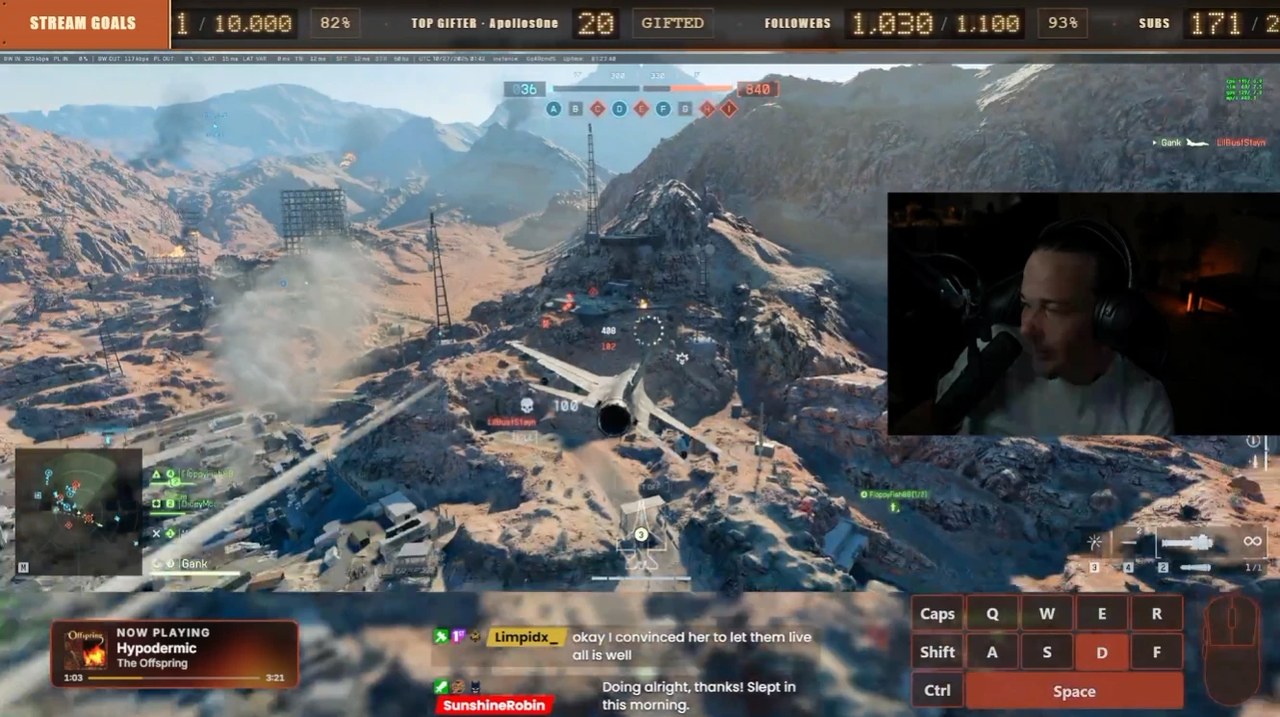 Live now
Battlefield 6 pilot and air space final boss, but not a one-game channel. Sand: Raiders Of Sophie and Subnautica get their turn too.
Battlefield 6, Sand: Raiders Of Sophie, SubnauticaVisit channel ↗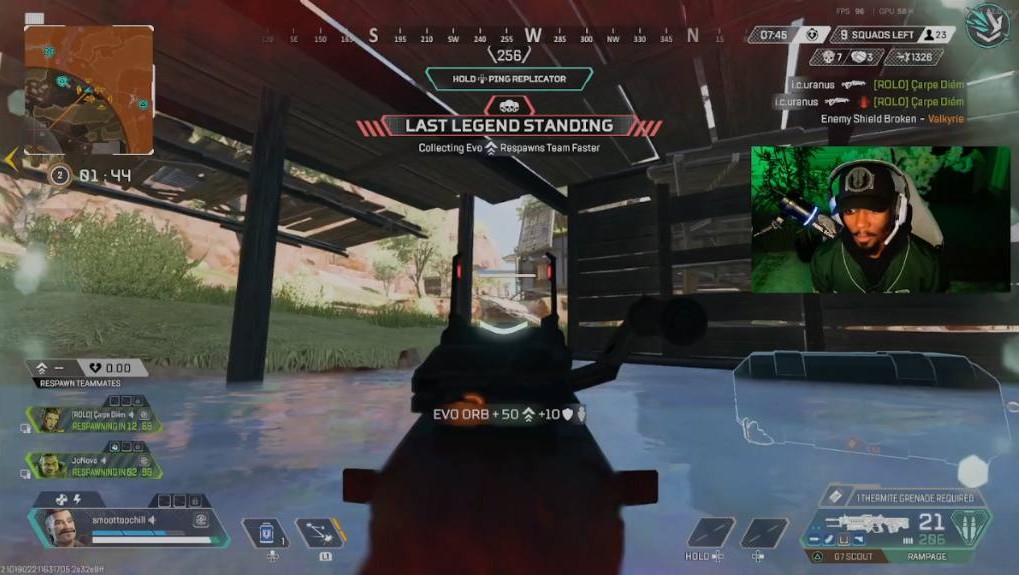 Live now
Meet Smoot: a former US Navy sailor and full-time streamer. Expect shooters, positive energy, and a community built around gaming, connecting, and bringing out the best in each other.
Just Chatting, Call of Duty: Modern Warfare 4, Battlefield 6Visit channel ↗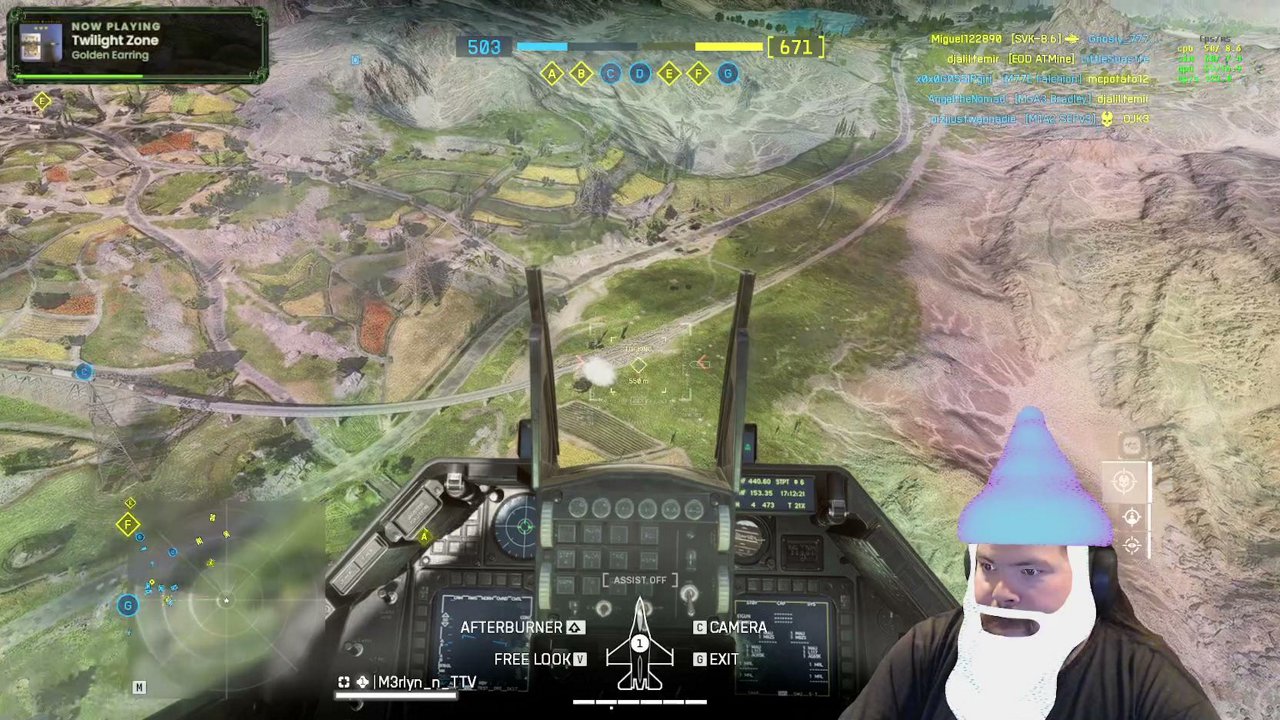 Live now
Wizard of the skies. Expert BF6 pilot who can summon fireballs on stream.
Battlefield 6, Star Wars: The Old RepublicVisit channel ↗ Live now
Meet Fae, a cozy goth cowgirl VTuber. Her channel is all about chill vibes, laughs, and banter - a place to settle in and enjoy the company.
Dead by Daylight, Grand Theft Auto V, Rainbow Six SiegeVisit channel ↗ Live now
A gamer first, bouncing between Overwatch, Apex Legends and Warzone, whatever is on rotation this week. Drop in for the variety and stay for the gameplay.
Overwatch, Apex Legends, Call of Duty: WarzoneVisit channel ↗ Live now
Call of Duty is home base, with Battlefield 6 and a bit of variety here and there. Here for the GGs, so queue up, jump in chat, and enjoy the games.
Call of Duty, Battlefield 6Visit channel ↗ Live now
Meet Jenn, a full-time streamer playing mostly first-person shooters and adventure games. She's live Monday through Friday, so come by and say what's up.
Battlefield 6, Adventure gamesVisit channel ↗Choose your streaming platform from Sign up with and open your dashboard. Set up your chat commands, choose widgets, and copy their overlay links into your streaming software.
Yes. Connect your server from the Discord setup page to use music, text-to-speech, moderation, roles, and join-to-create voice rooms.
Start a giveaway for your connected stream and share it to Discord. Entries from stream chat and the Discord entry page go into the same draw. Rex keeps the Discord post updated with the entry count and winners.
A preset applies a shared visual theme to supported widgets such as chat, alerts, and goals. Choose a preset in the Widgets section to see it across the sample scenes.
Spotify song requests and the Now Playing widget require Spotify Premium.
Set up your stream or bring Rex into your Discord server.
Sign up with TwitchSign up with KickYouTube Link pending